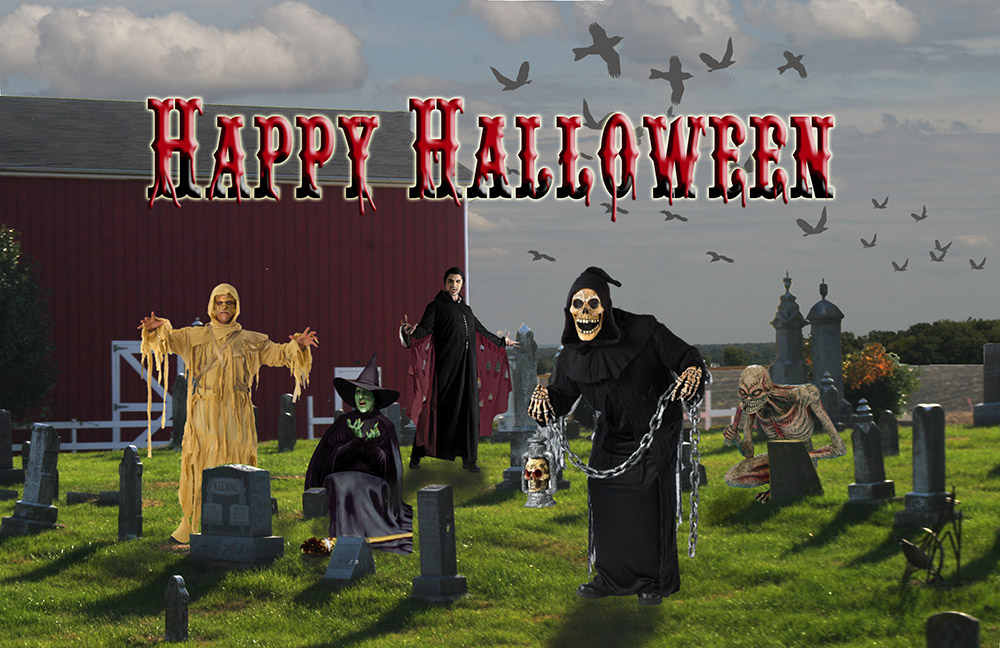
I made this “Happy Halloween” composite two years ago and I decided to revisit it this year. It’s amazing when you go back to an image you created. You see all kinds of things that you didn’t see before; some of my birds were flying upside down, there were notable fringes around some of the images and I even forgot to turn on one of the layers. I’m guilty of what a lot of Photoshop artists are, I don’t always document how I achieved the look I got. That’s what happened in the “Happy Halloween” composite.
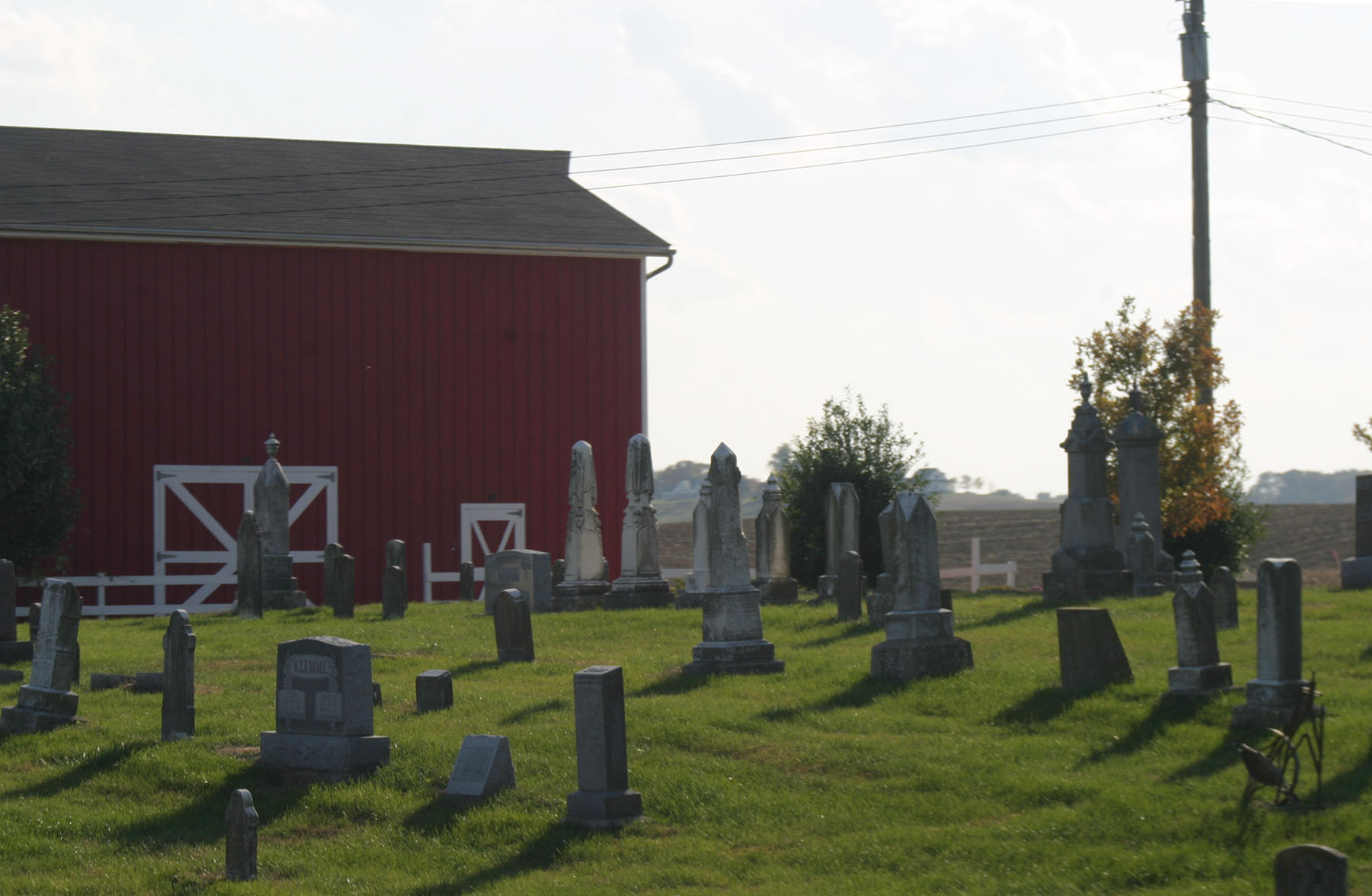
This “Happy Halloween” composite started with this picture from, once again my favorite place, Calhoun County, Illinois.
Some of the images I still had the links for are: for the Mummy from http://www.go4costumes.com/products/Mummy-King-Adult-Costume/index.php, for the Wicked Witch of the West http://www.fanpop.com/clubs/the-wizard-of-oz/images/4109521/title/wicked-witch-west-photo and the crouching ghoul at http://images1.wikia.nocookie.net/__cb20110311165360/supernatural/pt-br/images/6/60/Ghoul.jpg.
 Carpediemdona.com
I found this great article on digital-photography-school.com this morning about setting the history log in the General>Preferences to save the logged items to a text document. Exactly what I need! http://digital-photography-school.com/how-to-keep-a-log-of-your-work-in-photoshop